
Available
Service monitoring from your Android device
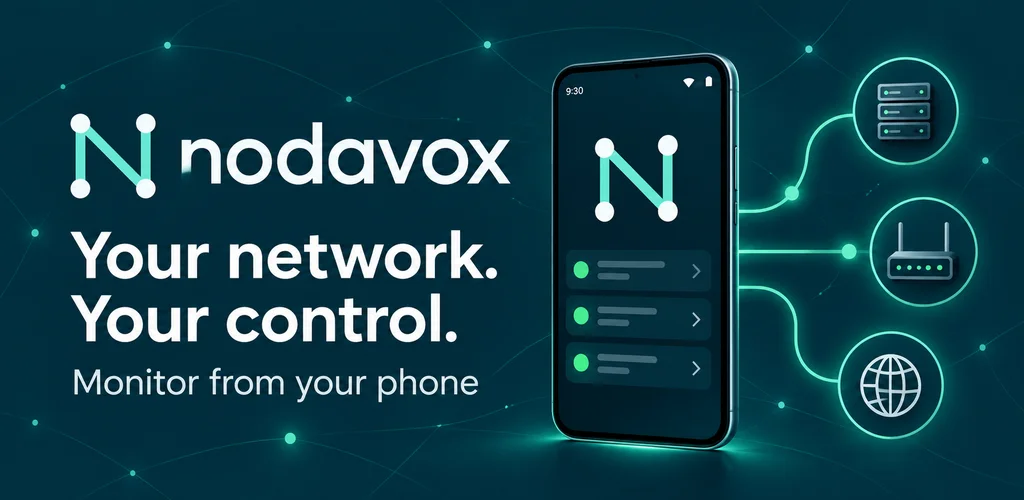
We built Nodavox for people who need to keep track of hosts and services from their phone. The app combines service checks, status history, down and recovery alerts and a home-screen widget, bringing operational visibility into a focused Android experience.
Protocol-aware checks
Nodavox supports ICMP, TCP, HTTP and HTTPS checks alongside service-specific checks for systems such as DNS, SMTP, SSH, databases and MQTT. Checking the relevant protocol helps distinguish basic reachability from the behaviour of the service being monitored.
Organise the systems that matter
Groups, parent-child dependencies, schedules and pauses help organise monitoring around the environment. History and alerts support investigation when a service changes state. JSON and CSV export provide ways to work with configuration and monitoring information outside the app.
AI-assisted configuration, with the user in control
Nodavox can export its configuration schema and current setup with a generated prompt. A user can take that prompt to an external AI assistant, then review and import the returned JSON. This is an assisted configuration workflow; the app does not require a built-in hosted AI model or allow an assistant to make autonomous changes.
Native Android engineering
We developed the application in Kotlin with Jetpack Compose. The native interface brings configuration, monitoring status and notification workflows together for mobile use. The product illustrates how we combine protocol integration, background operational tasks and a clear user experience.